
Android test version
Join the Bridge Coach test
Try the app and help us improve it. Follow three simple steps to install the Android test version.
How to install
See the app
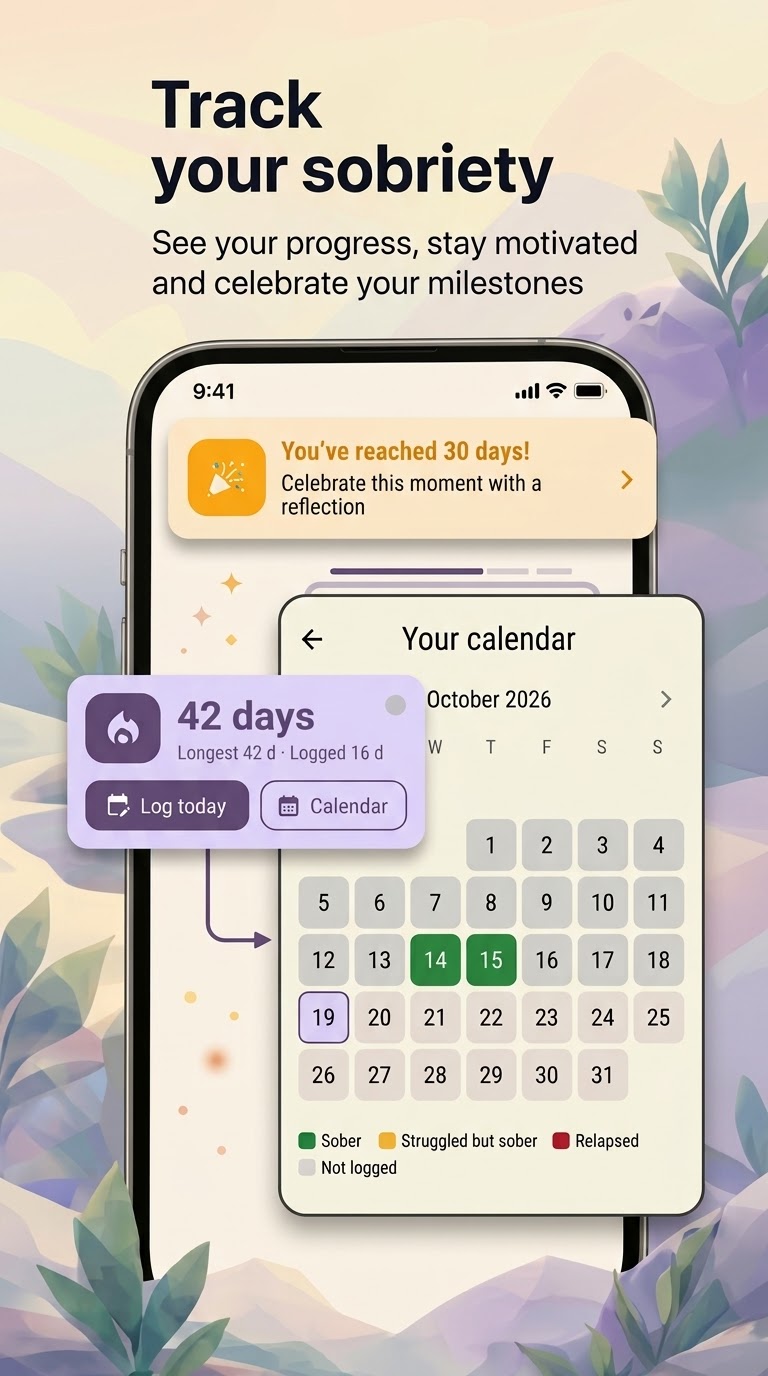
Sobriety tracking 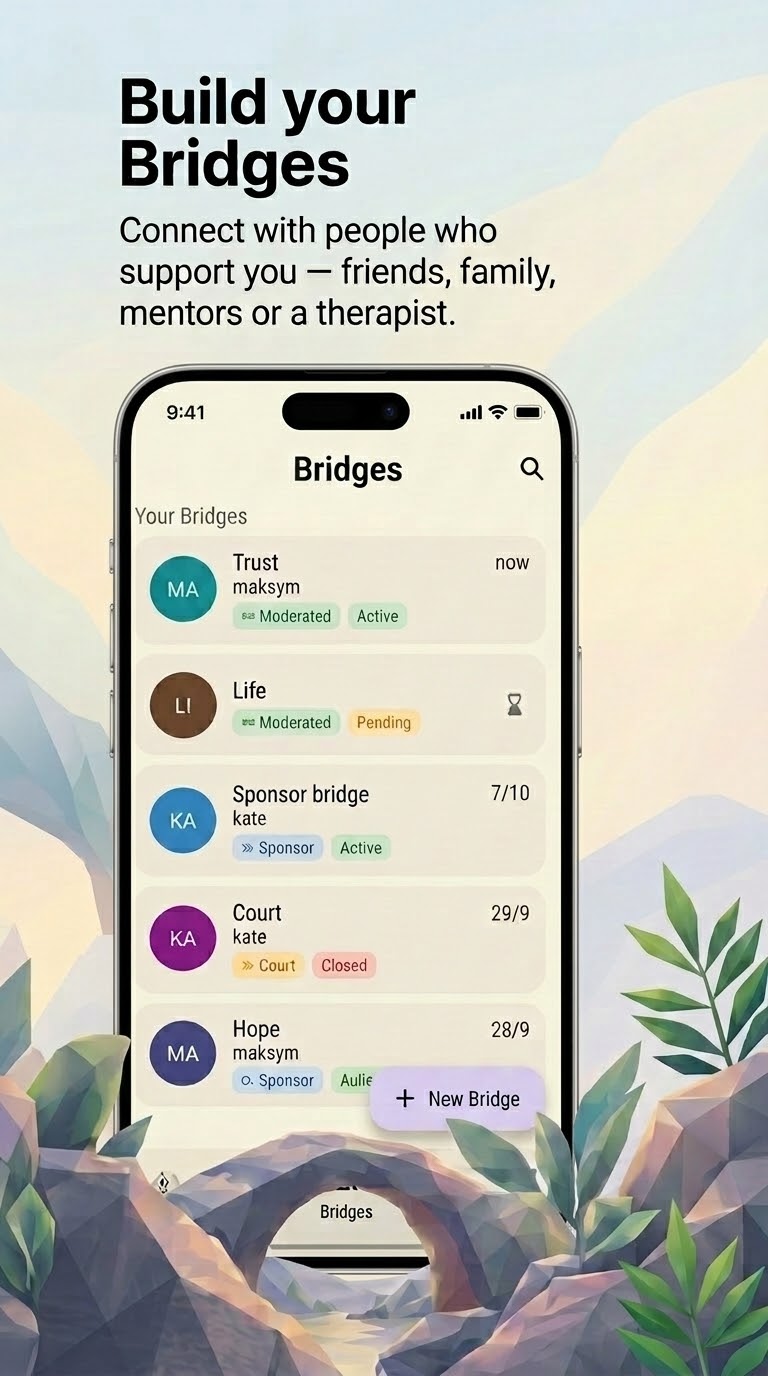
Bridges of support 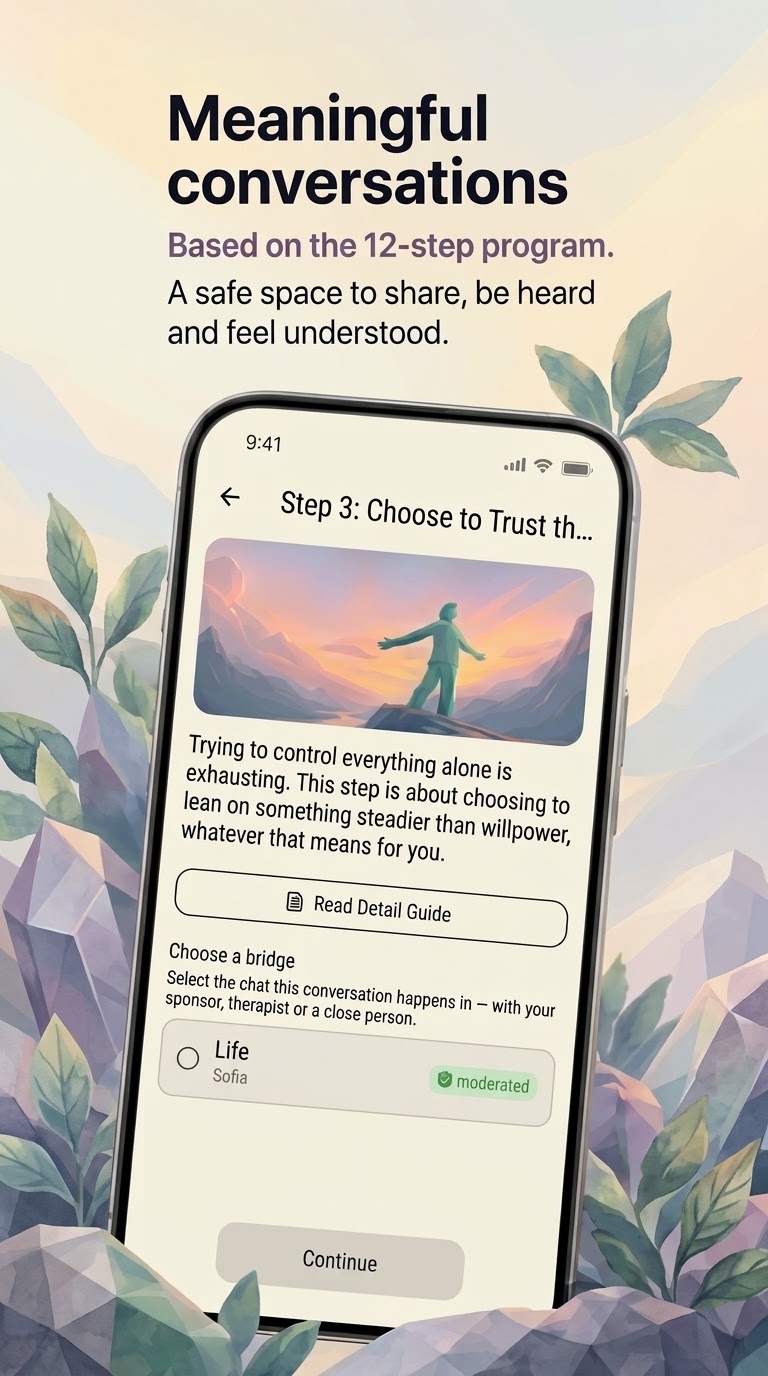
12-step program
Get started in 3 steps
Use the same Google account throughout all three steps—the one you use for Google Play on your phone.
- Join the group (opens in a new tab)
Step 1: Join the testers group
Open the Google Group and join the Bridge Coach testing community.
- Join the test (opens in a new tab)
Step 2: Join the test
Open the Google Play testing page and confirm your participation.
- Install from Google Play (opens in a new tab)
Step 3: Install the app
Go to Google Play, download Bridge Coach, and start testing.
Having trouble installing?
Make sure you have joined the testers group, confirmed your participation in the test, and used the same Google account throughout.
Still having problems? Write to us: hello@bridge-coach.ai
The test version is available on Android. The app is still in development, so you may encounter bugs while testing.